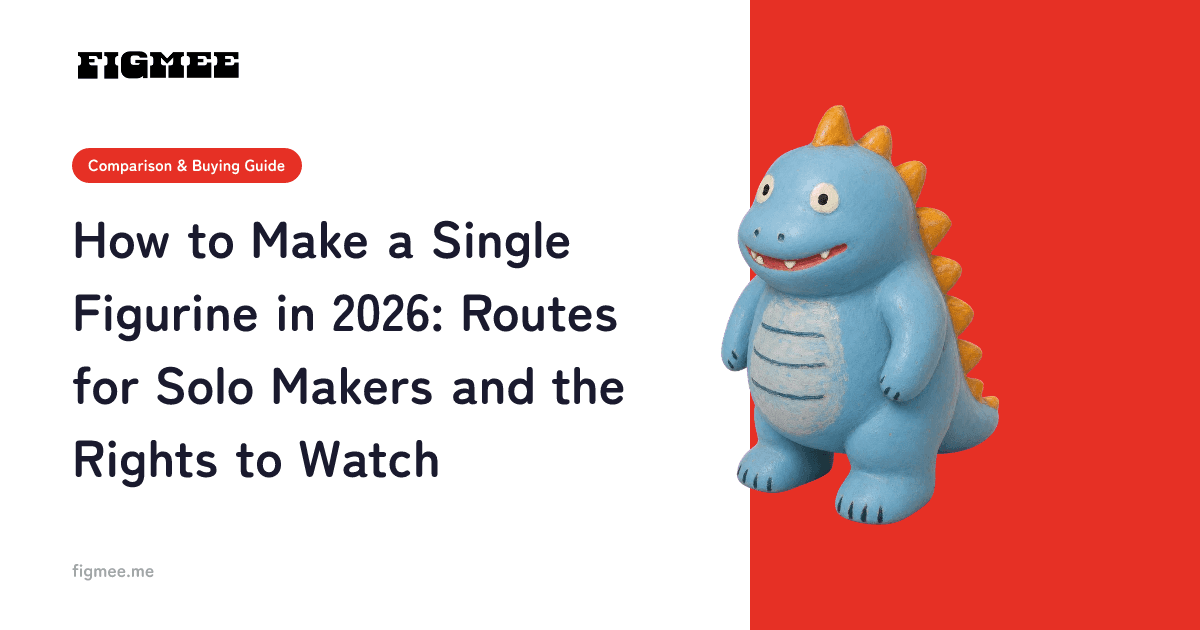
Three routes to making a single figurine
Making a figurine "one at a time" means turning just a single piece into a 3D object without cutting a mold for mass production. In short, there are three routes: outsourcing to a specialist, sculpting it yourself, and turning it into 3D data with AI before sending it to an external print service. Which one you pick comes down to your budget and how much you want to be involved.
Search for this and you mostly find made-to-order studios, but there really is a path where an individual keeps control and makes a single piece at low cost. This article assumes original characters and original illustrations that you own the rights to, and lays out the character of each route and how to avoid costly mistakes. If you want the wider picture first, the complete guide to making an original figurine walks through everything from preparation to 3D conversion.
Comparing the three routes by cost, time, and involvement
Here is how the three routes differ at a glance. Prices swing widely by service and spec, so treat the figures as a feel rather than a quote.
| Route | Cost | Time | Your involvement | Best for |
|---|---|---|---|---|
| Outsource to a specialist | High (rises when you commission the master too) | Long (weeks to months) | Low (mostly briefing and checking) | People who want the highest finish |
| Sculpt it yourself | Tools plus materials | At your own pace | High (all by hand) | People who enjoy the making itself |
| AI data plus external print | Low (you can try it free first) | Short (data in minutes) | Medium (you just pick an image) | People who want to shape something cheaply and casually first |
Outsourcing means asking a craftsperson or modeler to build a clay or digital master; the finish is high, but a single piece tends to raise the unit price. DIY uses hand-formed clay or a home 3D printer; it keeps costs down but takes time to learn sculpting or software. The third route, AI data, turns an illustration or photo into a 3D model with AI and, when you want, sends it to an external print service. It is light to engage with and easy on the budget, which makes it a good entry point for "I just want to try making one."
If you want the cost breakdown one level deeper, the comparison of original figurine price ranges shows the cost structure route by route.
Go in order of lowest failure cost
The biggest waste when making just one is paying for a physical build up front and getting back something that misses your image. A single piece basically cannot be remade, so the smart move is to proceed in order of lowest loss if something goes wrong.
The order we recommend is this:
- First, do a free digital 3D conversion and check the finish. Spin it 360 degrees on screen and look at the silhouette, thickness, and how the lines are reproduced before anything else. This costs almost nothing in money or time.
- If you like it, keep the 3D model data. With the data in hand, you can reuse it later for image making and for future printing.
- When you want a physical piece, take that data to an external print service. Because you are satisfied in digital first, you sharply cut the "it looked different once it was built" kind of failure.
Figmee (https://figmee.me) lets you complete steps 1 and 2, the "check it in digital" part, entirely in your browser. Upload an illustration or character image and AI turns it into a figurine-style image, then generates a 3D model (GLB / 3MF data). No specialist software and no 3D knowledge required, and you can use it right after signing up.
Note: Figmee currently offers figurine-style image generation and 3D model data (GLB / 3MF) downloads. Physical 3D print ordering is Coming Soon.
Steps for the AI data route
Let's walk through the lightest route to start with, the AI data route, in step form. There is no 3D operation at all.
Step 1: Pick the drawing you want in 3D (about 2-3 min) Choose an original character illustration, an original doodle, or a meaningful drawing where the main subject is clearly visible. An image with the character large and central is more stable than a photo with a busy background.
Step 2: Get it bright and ready (about 2-3 min) When photographing a paper drawing with your phone, reduce shadows, angled shots, and paper curl. Just shooting head-on in a bright spot stabilizes how the lines and colors are read, and improves the result.
Step 3: Upload and generate a figurine-style image (about 2–3 min) Sign up for Figmee, upload the image, and AI converts it into a figurine-style image. As a sign-up benefit you can try it free for the first 5 times (valid for 3 months from registration). Check the atmosphere of the 3D version here first.
Step 4: Make the 3D model and check it 360 degrees (a few min) Convert the image you like into a 3D model. Spin it around on screen and check whether the back, the thickness, and the lines you wanted to keep are reproduced. Extremely fine lines and complex backs can be hard for AI, so it is honest to check for them here.
Step 5: Download the GLB / 3MF data (about 1 min) Once you are satisfied, download the 3D model data. GLB and 3MF are standard 3D file formats and are general-purpose data you can hand to an external 3D print service. Now you have the data to "turn your own character into a single physical piece."
When you want a physical piece: external printing
What you can make with Figmee is the 3D model data; the physical print and delivery are still in preparation. When you want to turn the data into a real figurine, you take that data to an external 3D print service or a made-to-order service.
For example, DMM.make 3D Print Service is known as an individual-facing output service where you can upload 3D data and get a quote and order (its individual-facing page is public as of July 2026). There are several other output services in Japan, and the material and finish options differ by service. Check each service's official site for the latest on price, lead time, and supported materials. For a physical build, note that overly thin arms and hair or parts floating in the air break easily, so it is reassuring to confirm in advance whether they can be thickened.
Rights to watch: the line between your own characters and licensed ones
Even when making just one, always confirm whether you have the right to turn that drawing into a 3D object. Miss this and it can lead to trouble later.
The line is simple. Original characters and original illustrations you drew yourself can be freely turned into 3D. On the other hand, turning an official character (a licensed character) from anime, manga, or games into 3D generally requires permission from the rights holder (copyright owner). Enjoying it privately and publishing, distributing, or selling are treated differently. If you want to make fan-created work into 3D, check that work's fan-work guidelines and stay within what is permitted.
This is not a matter of "you can never make an official one," but of whether you have the necessary permission. With your own characters, you do not need to worry about this. If you want the specifics on rights, the explainer on original character goods and copyright covers the points to watch for merchandising and publishing.
Frequently asked questions
Can you really make just one figurine?
Yes. Outsourcing, DIY, and AI data all allow making from a single piece. That said, outsourcing tends to raise the unit price for just one, so checking the finish with a free digital 3D conversion before considering a physical build keeps both cost and failure down.
Which is the cheapest way to start?
Doing a digital 3D conversion with AI to check first is the lightest first step. Figmee lets you generate figurine-style images free for the first 5 times as a sign-up benefit (valid for 3 months from registration), and 3D model generation is 5 tokens per model (5 tokens = $5.99; your first model on each account is free). Since a physical build assumes handing that data to external printing, you cut the failure cost compared with paying for a physical piece outright.
If I ask Figmee, does a physical figurine arrive?
Not at this time. What Figmee provides is figurine-style images and 3D model data (GLB / 3MF) downloads. Physical 3D print ordering is Coming Soon. You can take the data you made to an external output service to turn it physical.
Can I make a character I didn't draw?
Original characters and original illustrations are free to make. Official characters (licensed ones) generally require the rights holder's permission. For fan work, check that work's guidelines. Starting with drawings you own the rights to is the safe choice.
What kind of drawing works well for 3D?
A single image with the subject large and clearly visible works well. Shoot head-on in a bright spot and reduce shadows and paper curl so lines and colors reproduce stably. Conversely, extremely fine lines and complex backs can be hard for AI, so checking 360 degrees once it is a 3D model is reassuring.
Summary
The ways to make a figurine one at a time are three: outsourcing, DIY, and AI data plus external printing. Because a single piece cannot be remade, the smartest approach is to go in order of lowest failure cost, meaning check the finish with a free digital 3D conversion first, then consider a physical build. Turn into 3D from original characters and original illustrations you own the rights to.
Start by picking one drawing that matters to you and seeing what it looks like as a 3D object on screen.