
Seasonal & Trends
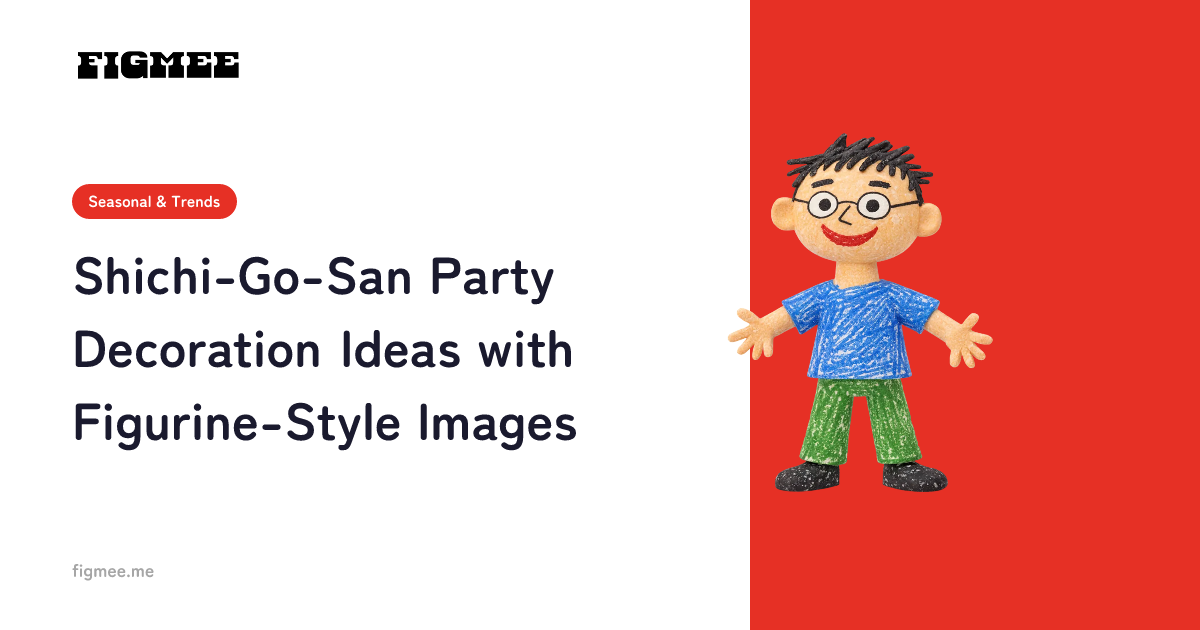
Shichi-Go-San Party Decoration Ideas with Figurine-Style Images
Elevate your milestone party decor with a figurine-style image of your child and creative display ideas.
November 5, 20262 min read
Read MoreBLOG
Latest news and helpful articles from Figmee
Elevate your milestone party decor with a figurine-style image of your child and creative display ideas.
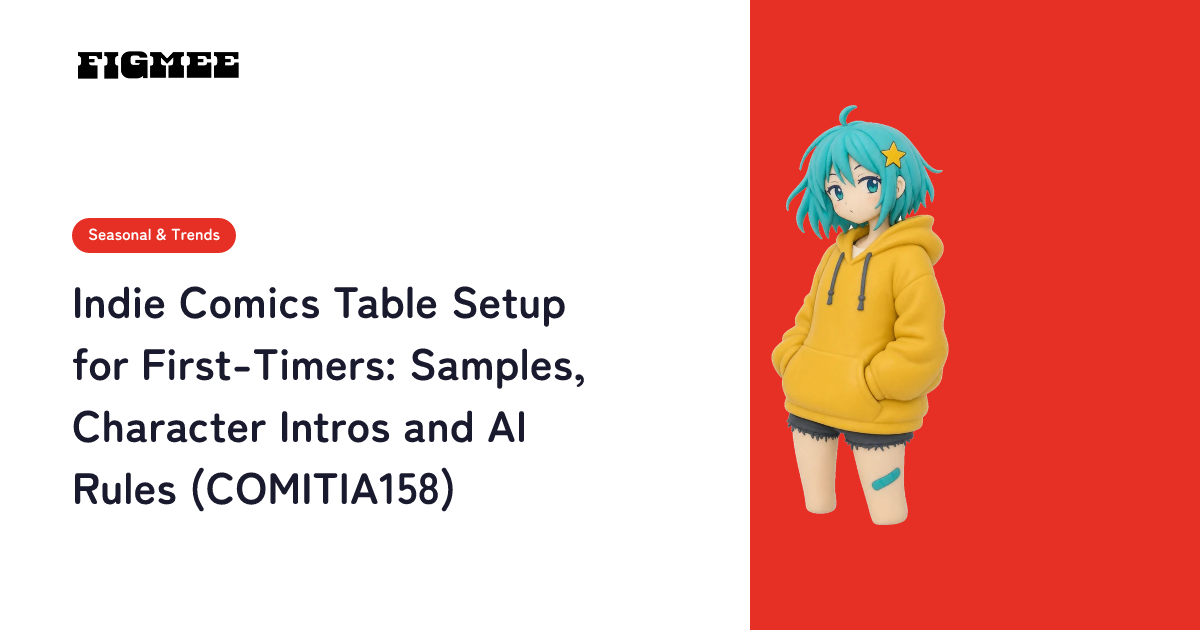
Got a table at your first zine fest or indie comics market? Prep timeline, samples, a character intro sheet, and the generative AI rules, with COMITIA158 (Dec 13, 2026, Tokyo) as the example.
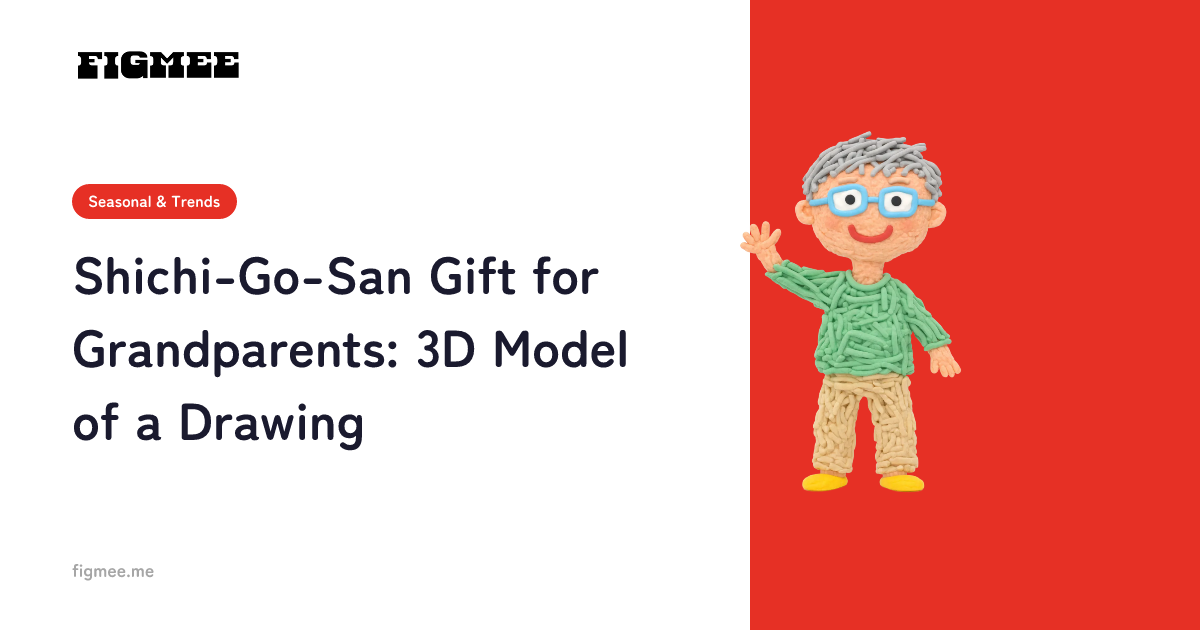
Share your child's Shichi-Go-San look with faraway grandparents: turn a drawing of the outfit into a figurine-style 3D model and send it as a 360° video.
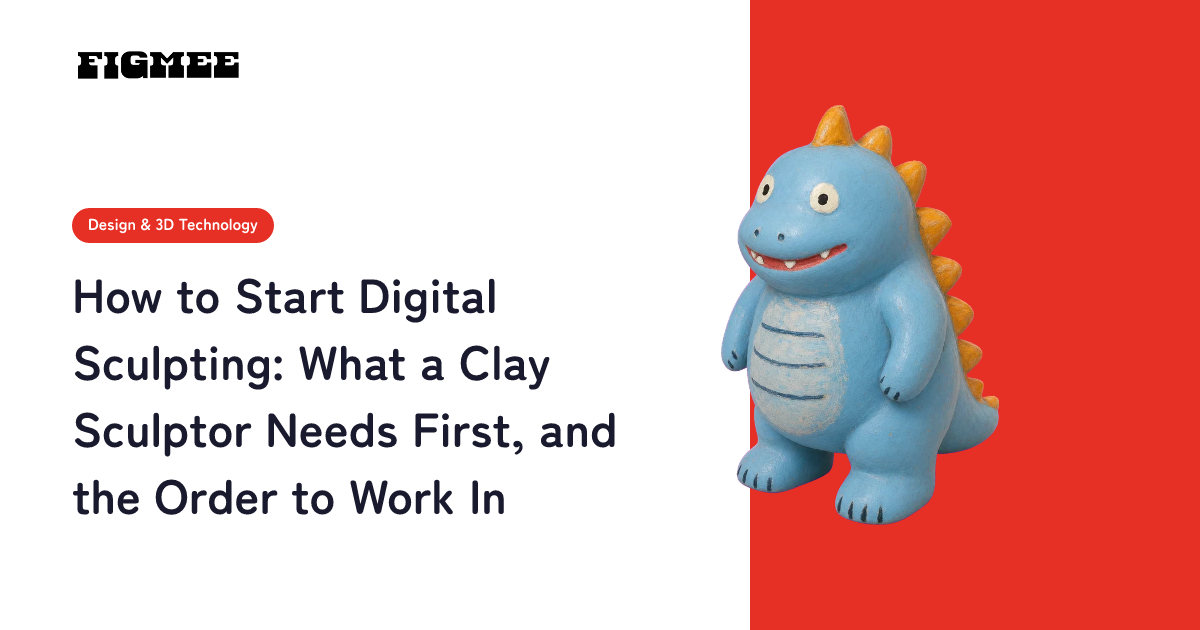
Digital sculpting means building up and carving a form in sculpting software as if it were clay, then 3D printing it as a master. To get started: (1) prepare a 3D reference first, (2) limit yourself to ten operations in Blender's free Sculpt Mode, (3) clean up the surface with remesh, and (4) check the printing basics (dimensions and a closed mesh).
There is no single best time that works for everyone. In the recommendation code X has made public, the posting time itself earns no bonus or penalty, and posts older than a certain age are dropped from the candidate pool. What matters is posting when your own followers are likely to respond, so your post picks up early engagement. Here is how to find the time slots that work for you, plus a simple tracking sheet.
Pair your Shichi-Go-San photo book with a figurine-style 3D model made from a drawing of the festive outfit: photos go in the book, and the drawing becomes 3D.
The best shots to take at your child's Shichi-Go-San shrine visit, and how to draw the outfit from those photos and turn it into a figurine-style 3D model.
Studio photos make a great drawing reference. Draw your child's Shichi-Go-San outfit from them, turn it into a 3D model, and know which shots to ask for.
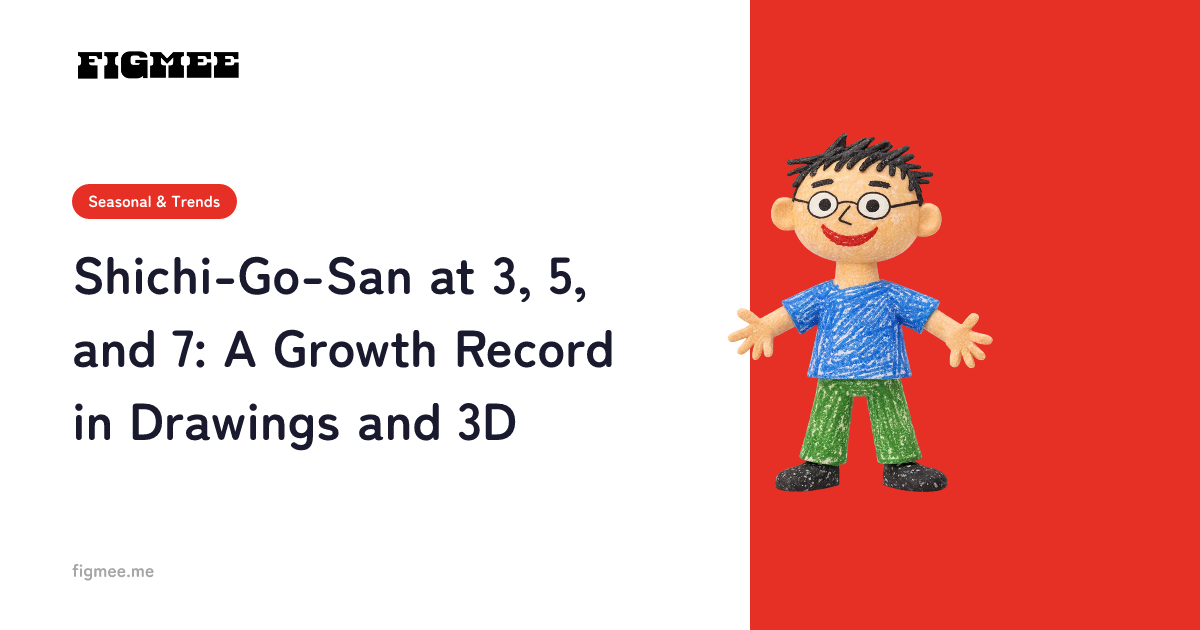
Draw your child's outfit at each Shichi-Go-San milestone and turn it into a figurine-style 3D model to record their growth. Past photos make good references.
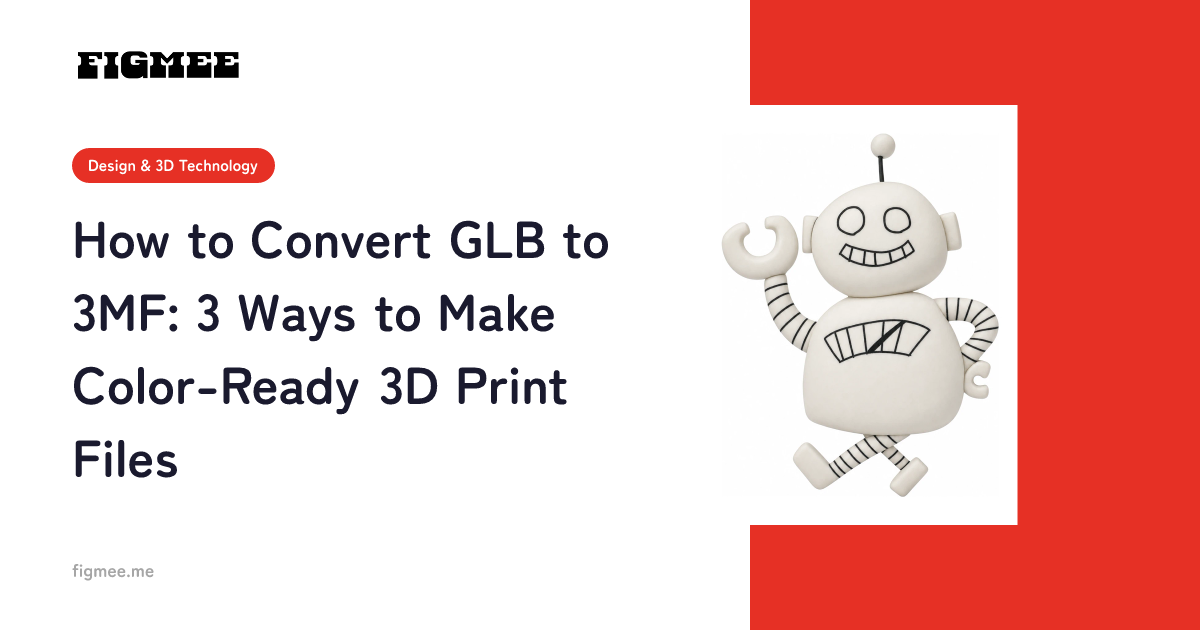
There are three ways to turn a GLB into a 3MF. If the model was made in Figmee, skip conversion and save the 3MF directly. If your slicer can open GLB, import it and save the project as 3MF. If it can't, open the GLB in Blender, export a 3D-printing format, and save it as 3MF in your slicer. Also covers how much color survives and what to check afterward.
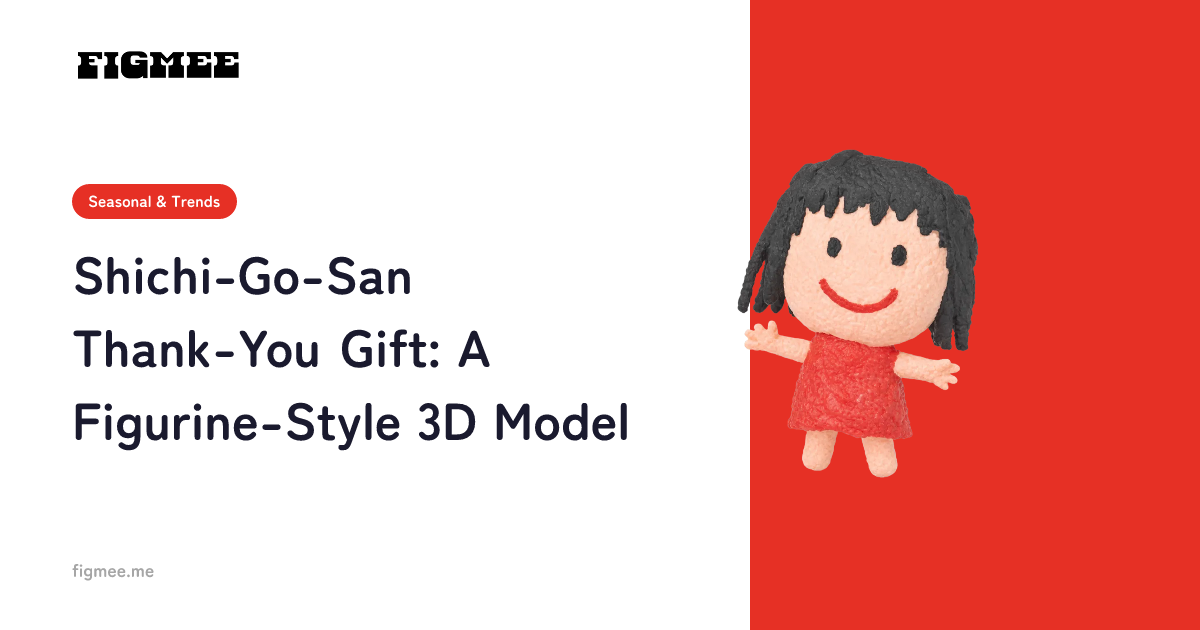
A new Shichi-Go-San thank-you gift: a figurine-style 3D model made from a drawing of your child in their festive outfit.
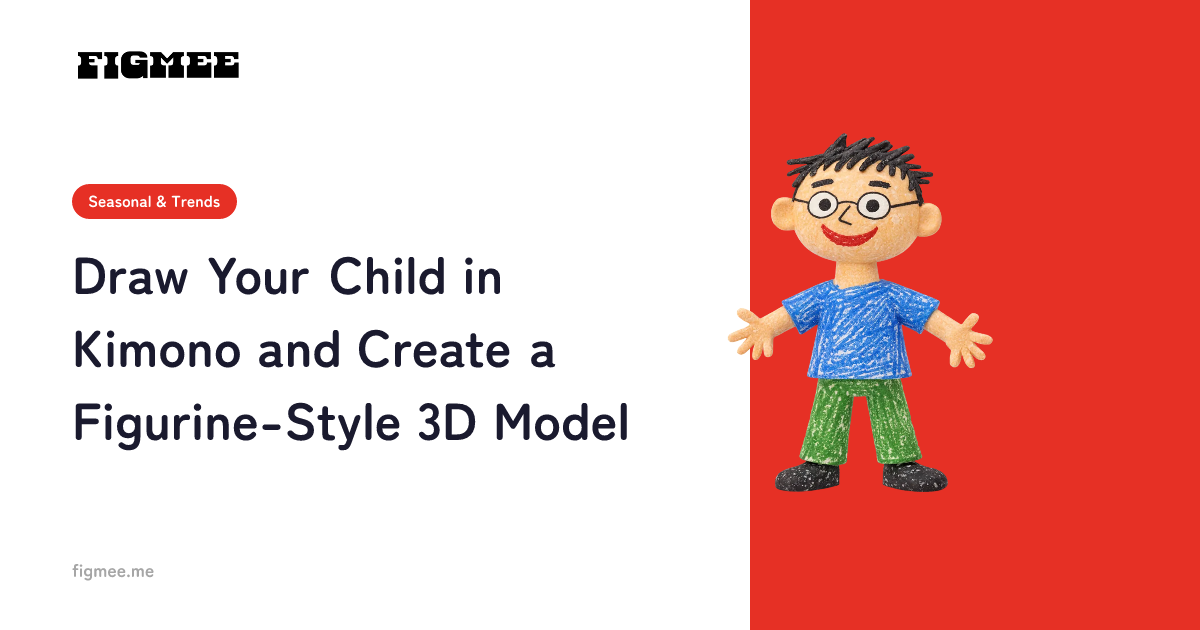
Sketch your child in festive attire and turn the drawing into a one-of-a-kind figurine-style 3D model with Figmee.