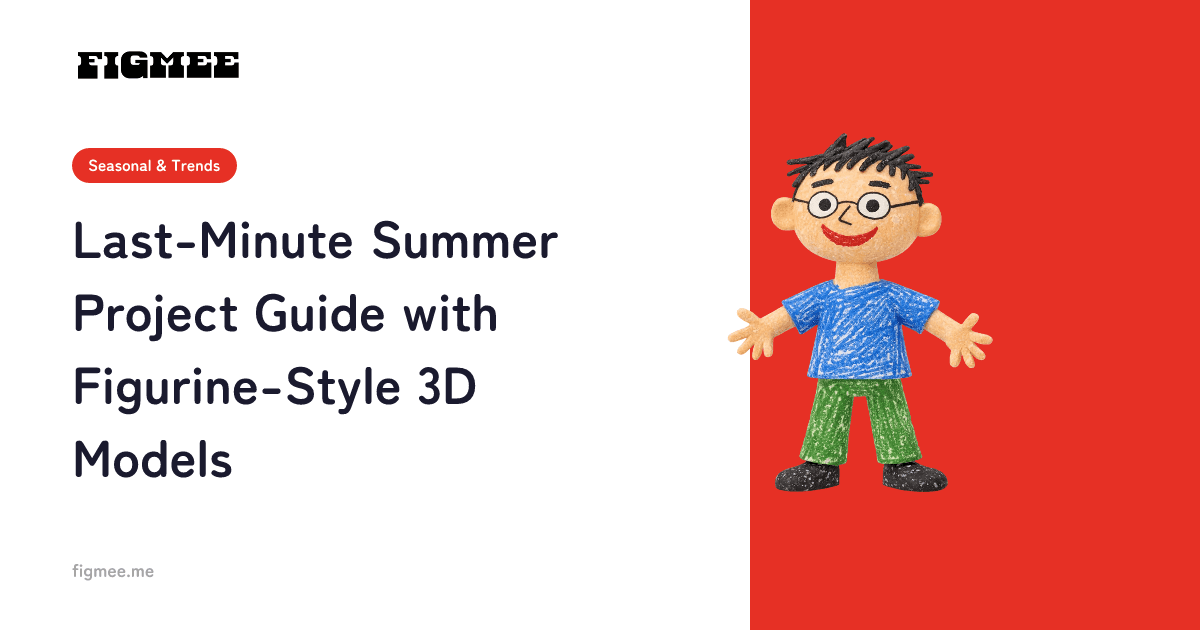
Note: Figmee currently offers figurine-style image generation and 3D model data (GLB / 3MF) downloads. Physical 3D print ordering is Coming Soon.
"It's Due Tomorrow and I Haven't Started!"
The last night of summer break. Your child looks panicked: "I haven't done my project yet..." Don't worry — with Figmee, there's still time.
Why Figmee Works for Last-Minute Projects
Fully Digital
No need to run to the store for supplies. Paper, a pen, and a smartphone are all you need.
2-3 Hours Total
Draw → Upload to Figmee → Write the report. Three steps, done in one evening.
Impressive Results
The quality won't look rushed. Screenshots of a 3D figurine make any presentation look polished and professional.
Emergency Timeline
7:00 PM - Choose a Theme (15 min)
Quick theme ideas:
- "I turned my favorite character into 3D"
- "Drawing a household item and turning it into a 3D model"
- "How does a 2D drawing become 3D?"
7:15 PM - Draw (45 min)
Create a character or subject based on your theme. It doesn't need to be perfect — clear colors and recognizable features are enough.
8:00 PM - Upload to Figmee & Capture (15 min)
Photograph the drawing, upload it to Figmee, and take screenshots of the 3D preview from multiple angles.
8:15 PM - Write the Report (60 min)
Organize your report with these sections:
- Theme: Why you chose this topic
- Method: The steps from drawing to 3D conversion
- Results: Side-by-side comparison of original drawing and 3D figurine
- Analysis: Differences between 2D and 3D, observations, surprises
- Reflection: What you learned
9:15 PM - Done!
Review for errors and you're finished.
Tips for a Better Report
Use Comparison Images
Original drawing, front view, side view, back view — four images side by side instantly add substance to your report.
Include "Why?" Questions
"Why does the 3D version have color on the back even though I didn't draw it?" Questions and analysis make the project feel like real research.
Add Family Feedback
"Mom said 'Wow!'" — including reactions from others adds an objective perspective.
You've Got This
Even on the last day of summer break, Figmee helps you create a project that doesn't just look complete — it looks impressive. Start drawing now!