Using Figmee Is 5 Steps
Using Figmee is 5 steps: (1) register → (2) upload an image → (3) generate a figurine-style image → (4) generate a 3D model → (5) check it in 360° and download. No dedicated software installation or 3D knowledge is needed, and it all stays in the browser on either PC or smartphone. The whole thing takes about 10–20 minutes. This article walks through the operation and tips for each step in order.
For the features and scope of the Figmee service itself, see What is Figmee? Features and what you can do.
Note: Delivery of physical 3D-printed figures is in preparation (Coming Soon). What you make in this article are figurine-style images and 3D model data (GLB/3MF).
Step 1: Register for Free (about 1 minute)
Go to Figmee and register an account with your email address. Registration is free, and as a perk your first 5 image generations are free (valid for 3 months from registration).
Step 2: Upload the Image You Want in 3D (about 2 minutes)
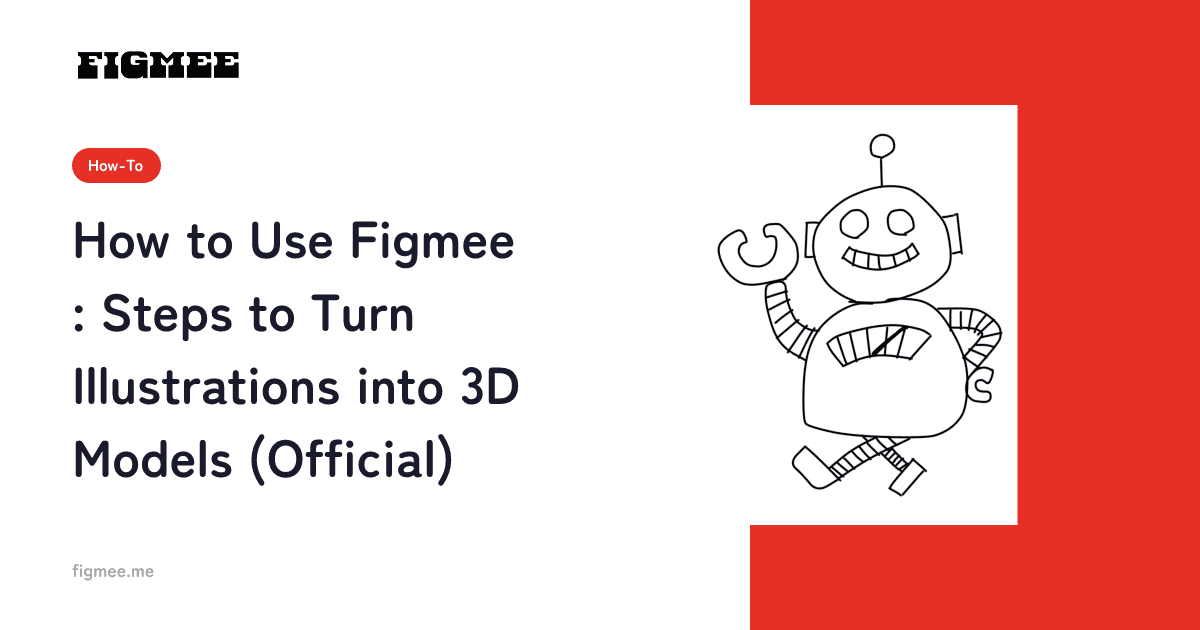
On the generation page, drag and drop or click to upload the illustration you want in 3D. Supported formats are PNG, JPEG, WebP, GIF, and HEIC/HEIF (up to 20 MB). A hand-drawn scan, a photo taken on your phone, or a digital illustration all work fine. Choosing one image where the main character is clearly visible and the lines and colors are easy to read keeps the result stable.
Step 3: Generate a Figurine-Style Image (about 2–5 minutes)
Press the "Generate" button and the AI analyzes the quirks of your lines and your use of color, converting it into a figurine-style 3D image that keeps the mood of how you drew it. You can choose a quality tier from Standard (1 credit), Pro (2 credits), or Max (3 credits), and if generation fails the credits consumed are refunded. If it differs from what you pictured, you can redo it with a different image or by adjusting the prompt.
Step 4: Generate a 3D Model (a few minutes)
From a figurine-style image you like, generate a 3D model (550 yen per model, paid before generation). The AI estimates depth and thickness, and a flat character becomes rotatable 3D data. You just wait during processing until it finishes.
Step 5: Check in 360° and Download GLB/3MF (about 2 minutes)
The generated 3D model can be spun a full 360° in the browser so you can check it from every direction. Check not only the front but also the profile and back. If there are no issues, you can download the data in GLB/3MF format. You can line your works up in your own gallery, or share them on X, LINE, and Facebook.
Tips for Generating Well
- Choose a front-facing or slightly angled drawing: the closer the face and body are to a front view, the easier it is for the AI to estimate the overall shape.
- Narrow to one main subject: when the character is large and centered on screen, 3D conversion is more accurate.
- Keep lines and colors clear: faint pencil lines are more stable if you boost the darkness before importing.
- Check compatibility with the free tier: we recommend first trying various drawings across the 5 free generations, then turning the single best-matching one into a 3D model.
Frequently Asked Questions
Q. How long does generation take? A. A figurine-style image usually takes about 30 seconds to 2 minutes, and a 3D model takes a few minutes. It can vary depending on congestion.
Q. How much does it cost? A. Image generation is free for the first 5 times as a sign-up perk, then 550 yen for 5 credits. 3D model generation is 550 yen per model. For details, see the Figmee pricing plan explainer.
Q. Where can I use the generated 3D data? A. GLB opens in many 3D tools and viewers, such as Blender. 3MF is a format that handles physical-output information well. Note that delivery of physical figures by Figmee itself is in preparation (Coming Soon).
Summary
Using Figmee is a simple flow of upload → generate → download, and you will not get lost even with zero 3D knowledge. First, use the 5 free generations to try how your drawn character turns into 3D. For overall tips on turning illustrations into 3D, the complete guide to turning illustrations into 3D also goes into detail.