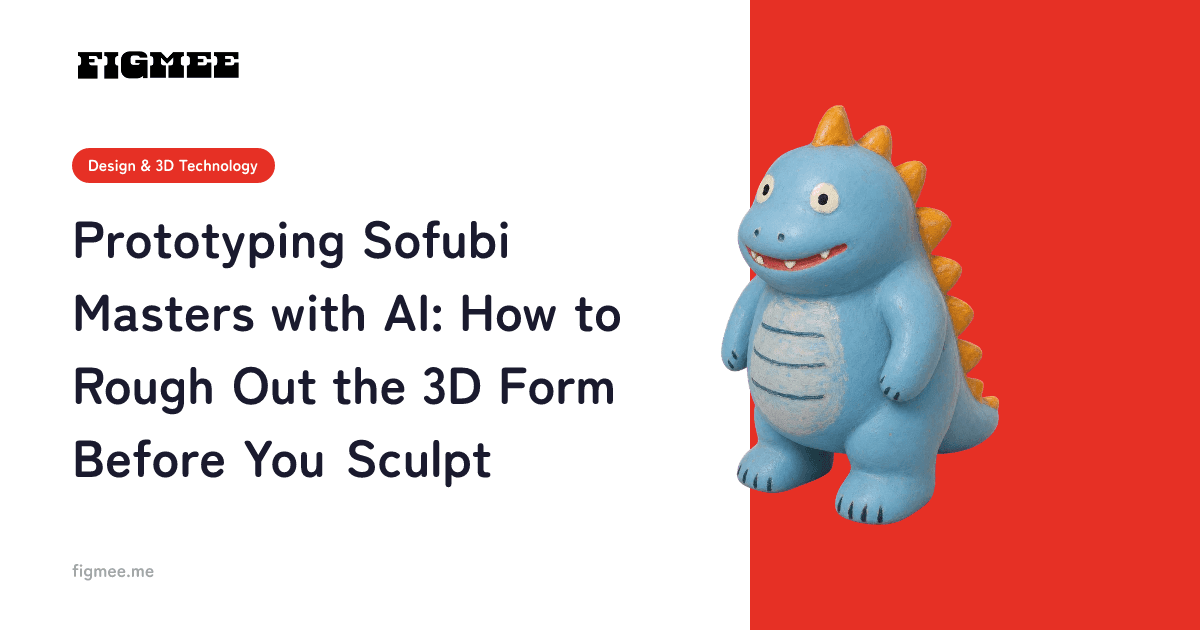
A sofubi (soft vinyl) master, or prototype, is a stage where any do-over becomes expensive once you have started carving. That is exactly why it pays to see "how the silhouette will look in three dimensions" once before you sculpt. In this article we walk through how to generate a 3D model from an illustration or rough sketch, use it to block out the proportions, and then move on to the real sculpt, together with the constraints that are specific to sofubi.
To put the conclusion first: an AI-generated 3D model is not a substitute for a sofubi master. What it is good for is "roughing out the 3D form," "studying angles," and "reaching agreement with the people involved." Sofubi-specific design work such as draft (making the shape removable from the mold) and wall thickness still has to be refined by hand. Keeping that line clear is the premise of this whole approach.
Note: Figmee currently lets you generate and download figurine-style images and 3D model data (GLB / 3MF) from drawings and illustrations you upload. Sales of physical 3D-printed items are Coming Soon.
Understand the sofubi master workflow first
To see why prototyping helps, the quickest route is to know how sofubi gets to mass production. Sofubi does not go straight from master to product; it moves through stages: master → wax conversion → metal mold → molding. On the molding floor, the process starts with "pouring" the material into the mold, followed by degassing, dipping the mold in an oil bath at around 190°C to form the skin (known as metsuke), returning the excess material, baking, cooling, demolding, flash trimming, painting, and assembly (source: Chukukobo, "Sofubi Manufacturing Process", as of July 2026).
The key point here is the structure: the further upstream you have to go back, the more the cost of rework skyrockets. Once the metal mold has been cut, you can no longer casually go back and fix the proportions. The initial outlay for launching a sofubi with slush molding is described as a substantial investment (source: Sofubi Production Guide, Chapter 1, as of July 2026), and the sheer scale of that outlay makes it clear that this is a "no turning back" process.
In other words, how many doubts you can eliminate before you start on the master decides the efficiency of the whole project. AI-driven 3D prototyping helps precisely in this very first stretch. If you want an overview of all four stages, from master to mold, molding, and painting, look for a general guide to how sofubi is made.
Where AI prototyping fits, and where it doesn't
Let's be honest about it. Below are the strengths and weaknesses of bringing a generated 3D model into a sofubi production workflow.
| Stage | AI prototyping | Notes |
|---|---|---|
| Studying silhouette and proportions | Good fit | Lets you check head-to-body ratio and the relative size of parts in 3D |
| Checking how it looks from every direction | Good fit | Reveals problems on the back and sides that a front-facing drawing hides |
| Reaching agreement with clients and collaborators | Good fit | Less room for misunderstandings than a flat rough sketch |
| Designing draft (shapes that release from the mold) | Poor fit | Handling undercuts is a judgment call for a human |
| Designing wall thickness and hollow structure | Poor fit | Depends on the molding method, so it needs case-by-case design |
| Designing part splits and articulation axes | Poor fit | Requires intent about assembly and part layout |
Once you accept that what you get is "a proposal for the shape," not "data you can manufacture from," it becomes clear where it is useful. How AI infers a 3D form from an image is explained in how image-to-3D AI works.
Steps: roughing out the 3D form from a sketch
The actual workflow has five steps. As a rough guide, allow about 30 minutes once you have a drawing ready.
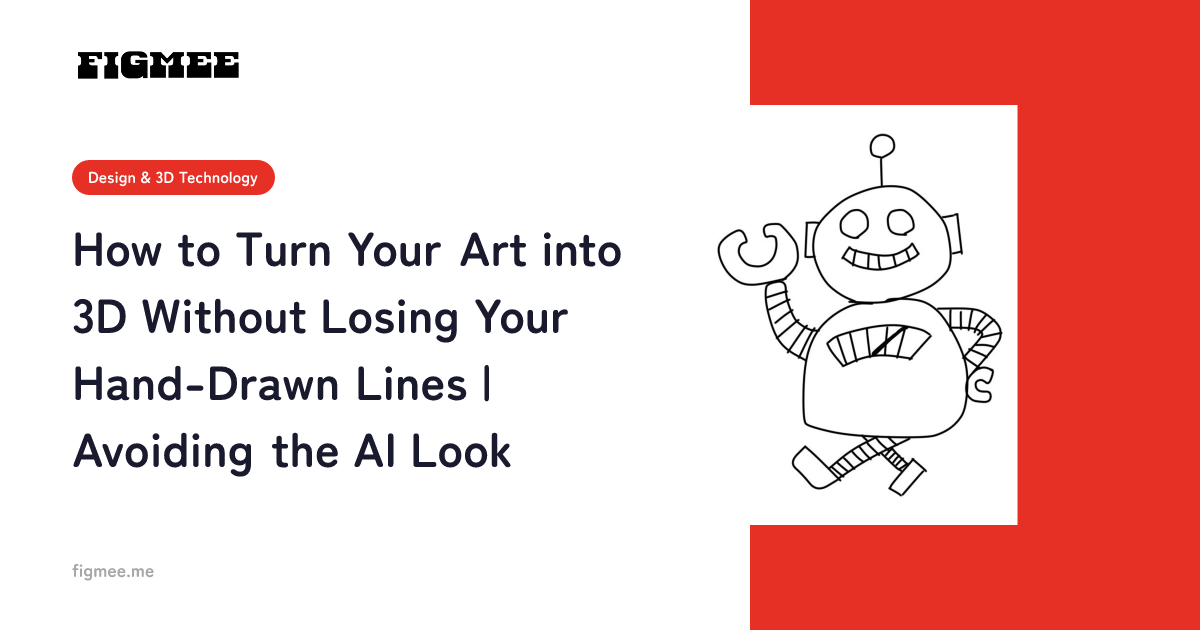
- Prepare one front-facing rough sketch. A drawing that shows the whole body, with arms and legs not overlapping the torso too much, is easiest to work with. If the lines are too thin, the AI cannot pick them up as shapes, so draw dark enough that the silhouette is clearly readable.
- Generate a figurine-style image. This is where the first interpretation of "how it would look in 3D" comes in. If it veers away from what you intended, redoing it at this stage is the cheapest option.
- Generate a 3D model. In Figmee, you create a 3D model from the generated image and can rotate it 360° in the browser to check the shape.
- Rotate it and look for problems. Back, side, low angle, high angle. In particular, look at how the back of the head and the back of the body, which the drawing left out, were filled in. This is what "things you can't notice in a drawing" really means.
- Export as GLB / 3MF and bring it into your sculpting software. From here on, it is human work. For which file format to use when, see the differences between 3D file formats.
3D model generation in Figmee is paid (it uses tokens), but as a sign-up bonus you can try figurine-style image generation a few times. If at this stage you only want to check "what happens when my drawing is interpreted in 3D," you can often make the call by step 2.
How to draw sketches that translate well into 3D
Even for the same character, the way you draw the input makes a big difference to how stable the generated result is. If your goal is to rough out the form for sculpting, keeping the following points in mind when preparing your sketch will save you detours.
- Fit the whole body in the frame. If the drawing shows only the head, or the legs are cut off below the knees, the AI fills in the missing parts by guessing. You want to check proportions, yet the very information you want to check ends up being a guess.
- Keep the arms away from the torso. Poses with arms folded in front of the body or a hand covering the face make outlines overlap, which makes front-to-back relationships hard to judge. At the blocking-out stage, a neutral standing pose close to upright is the most stable.
- Make the silhouette clear. Faint lines and smudgy pencil strokes are less likely to be picked up as shapes. For sketches meant for sculpting studies only, dark lines and clearly drawn boundaries between surfaces make the results more predictable.
- Leave out the background. Background detail gets in the way of detecting the subject's outline. Placing only the subject on a white background is the reliable choice.
Put the other way around, these are criteria separate from "whether it is a good drawing." Rather than feeding in a finished piece as it is, drawing one plain standing sketch for sculpting studies can give you data that better serves the purpose. Tips for photographing a sketch drawn on paper and bringing it in are collected in 5 tips for photographing your drawings.
Three ways to use prototype data
The blocked-out data you export does not become a master as-is, but you can use it in the following ways.
Use it as a reference for blocking out. Load it into your digital sculpting software, keep it in the background as a reference object, and build the real mesh over it. You can sculpt while checking head-to-body ratio and the placement of parts with your own eyes. The steps for importing into Blender (distributed free at blender.org) are covered in Prototype in Figmee, Refine in Blender: The Complete Guide.
Share it as a turntable video. Because you can export it as a 360° rotating video, it becomes material for asking clients or your team "Can we go ahead with this?" You reach agreement faster than by drawing up a series of still sketches.
Use it to check yourself before sculpting. Experience once, before you start carving, whatever feels off when your drawing becomes three-dimensional. That alone reduces the number of times you realize "something's not right" after you have already started carving.
Sofubi-specific constraints: why the output data won't work as-is
We will be honest here, without exaggeration. There are three main reasons an AI-generated 3D model cannot be used as a sofubi master.
Draft is not taken into account. Sofubi is made by pulling the product out of a metal mold, so shapes that cannot be pulled out (undercuts) make it unworkable. The generated shape only tries to reproduce how the drawing looks; it does not consider whether it will release from the mold.
Fine details fall below the limits of the build. When you output a master with a 3D printer, even with resin (SLA), a wall thickness of roughly 0.5 mm to 1.0 mm is recommended depending on the size of the surface (source: JLC3DP, "3D Printing Design Guidelines", as of July 2026). Hair tips, antenna-like protrusions, thin belts and the like often already fall below this standard in the AI output.
Surface information leans on the texture. Generated models partly use color information to make up for shape, so the sculptural relief can be shallow. Since sofubi has limited room for expression through paint, the parts that should read through shape end up being re-sculpted anyway.
None of this is because "the AI is immature." It comes from the fact that the purpose of generation (reproducing how a drawing looks) and the purpose of manufacturing (a solid that releases from a mold) are different. The right way to work with it is to use it for its own purpose and not force it into another.
When to add a prototyping step, and when skipping it is faster
Not every project needs a prototyping step. Here are some guidelines for deciding.
Cases where it adds a lot of value. A new original character whose balance as a 3D object is not yet settled. Especially when you are unsure how far to push the stylization (how short to make the head-to-body ratio), turning it into 3D once and rotating it gets you to a conclusion faster than drawing sketch after sketch on paper. The same applies to projects with several people where you want everyone's image of the result to match. If you are working on commission, being able to confirm the direction before you start directly prevents rework.
Cases where skipping it is faster. When your three-view drawing is already finished and your sculpting plan is clear in your own mind. Once you have reached that point, the effort of roughing out the form again outweighs the benefit. Likewise, for an existing series where it has been decided to follow the proportions of past releases, a prototype adds little information. Designs dominated by hard, sharp-edged shapes are also an area where AI generation struggles, so it is safer to lower your expectations.
In short, the relationship is simple: the more doubt remains, the more it helps; the more settled the plan, the less you need it. Rather than fixing it in place as a step "everything goes through," use it according to how much doubt you have.
How to think about cost and time
Let's compare the costs incurred during the study phase before you start on the master. When commissioning an illustrator for a three-view drawing, the guidance is that amateurs are relatively affordable, while asking a professional for detailed drawings becomes quite expensive (source: Sofubi Production Guide, Chapter 1, as of July 2026).
This is not to say that three-view drawings are overpriced. A three-view drawing is a blueprint precise enough to hand over for manufacturing, and its role is completely different from AI-prototyped blocking data. In terms of order, thinking of it as first confirming the 3D direction with AI, then investing in the three-view drawing and the real master once the direction is settled cuts out waste. Conversely, if the direction is fixed from the start, going straight to the master without this step can be faster.
Also, in the garage kit world, more and more dealers are creating masters digitally and selling 3D-printed output as-is. The environment in which individuals can release 3D pieces in small runs has changed dramatically over the past ten years.
Frequently asked questions
Can I use an AI-generated 3D model directly as a master?
No. It does not include sofubi-specific design such as draft, wall thickness, and part splits. It is useful only for roughing out the form; beyond that, it needs to be refined in sculpting software.
Can it become 3D even if I have only one drawing?
You can generate from a single front-facing drawing. However, the back and sides that are not in the drawing are filled in by the AI's guesswork, so the shape may differ from what you intended. Plan on fixing the important parts yourself after generation.
Are there designs that don't suit sofubi?
Sofubi is said to excel at rounded shapes and to struggle with hard, sharp-edged forms. Angular motifs such as robots or weapons are hard to reproduce as-is because of the material's characteristics. Considering how well a design matches the material at the design stage makes later steps easier.
Can I start even if I've never used sculpting software?
You can get as far as roughing out the form without learning to operate sculpting software. Beyond that, though, making the master requires sculpting skills, whether digital or analog. It is more accurate to see prototyping not as "a way to avoid learning sculpting" but as "a way to have an image of the finished piece before you learn."
Can I send the generated 3D data to a 3D printer?
Because you can export in 3MF format, you can take it to an external printing service. However, you need to check for yourself whether it meets the wall thickness standard mentioned above. Which materials suit which uses is laid out in Which 3D printing materials suit illustration-based models?. Physical output directly from Figmee is Coming Soon.
Summary
The role of AI prototyping for a sofubi master comes down to reducing doubt before you start carving. Rough out the proportions, look from every direction to flush out problems, and align the direction with the people involved. Finish all of that in a short time, then concentrate on the main event: the sculpting itself. That is the sensible way to use it today.
Manufacturing design such as draft, wall thickness, and part splits is the domain of craftspeople, and it cannot be left to AI. If you keep the roles separate, prototyping does not take work away from prototype sculptors; it works as a tool that cuts down the wear and tear that comes before the real work.