What is Figmee?
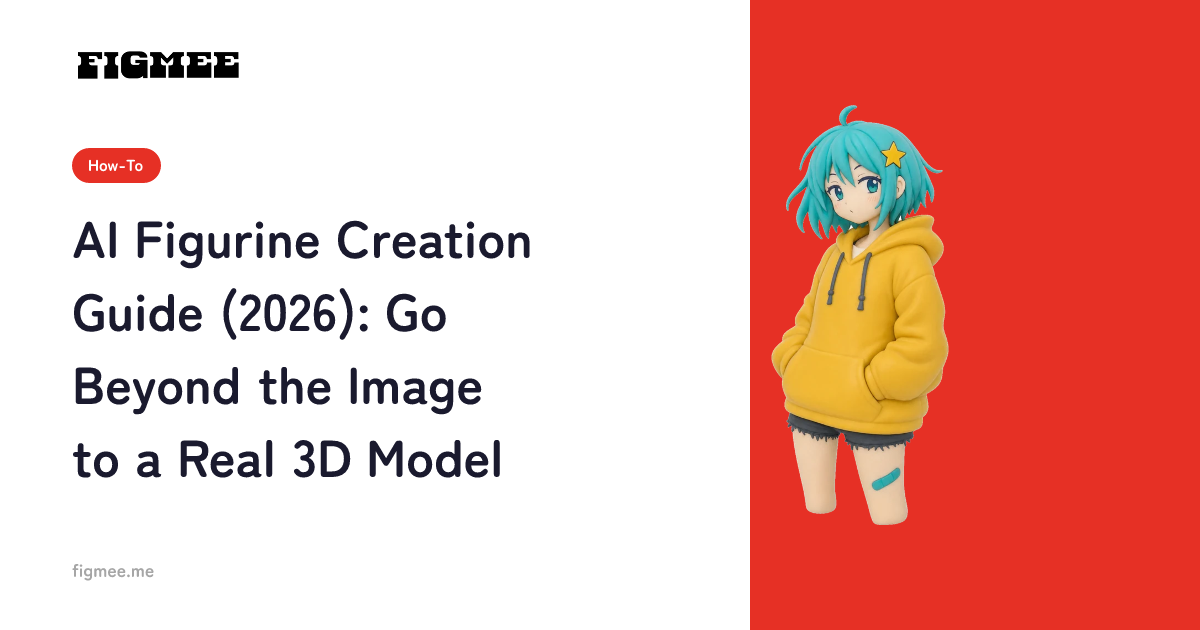
Figmee is a service that uses AI to transform your child's illustrations into adorable 3D figurine-style images. Whether the drawing was made with crayons, colored pencils, or paint, Figmee can bring it to life in three dimensions.
It's as Easy as 1-2-3
1. Create Your Account
Start by signing up for a free account. Just enter your email address and password -- registration takes about 30 seconds.
2. Upload an Illustration
Upload a photo of your child's drawing. A snapshot taken with your smartphone works perfectly.
Supported formats:
- PNG
- JPEG
- WebP
GIF is not supported. Each image can be up to 20 MB.
3. Generate Your 3D Figurine-Style Image
Hit the "Generate" button, and our AI will analyze the illustration and create a 3D figurine-style image. It typically takes about 2 to 3 minutes to complete.
Frequently Asked Questions
Is Figmee free to use?
Yes! As a sign-up perk, you can generate your first 5 figurine-style images for free (valid for 3 months from registration; first registration only).
Can any drawing be turned into a figurine-style 3D model?
Absolutely. Figmee handles virtually any kind of drawing while faithfully preserving your child's unique artistic style.
Wrap-Up
With Figmee, you can preserve your child's precious artwork in an entirely new way. Give it a try today!