What You Will Learn
AI figurine creation means feeding an illustration or character image to an AI and turning it into something that looks like a figurine. Making a figurine-style "image" only takes a few minutes with many AI tools today. And in 2026, you no longer have to stop there — you can go all the way to a "3D model" (a GLB / 3MF data file) that you can actually rotate and view from any angle.
The trending "figurine-style images" you see on social media are one form of this AI figurine creation. This article explains how to avoid stopping at the image, in a way anyone can follow even with no 3D background.
Note: Figmee currently offers figurine-style image generation and 3D model data (GLB / 3MF) downloads. Physical 3D print ordering is Coming Soon.
AI Figurine Creation Has Two Stages
Even though we say "AI figurine creation" in one breath, it actually involves two different stages. Once you separate them, it becomes clear how far you want to go.
1. Creating a figurine-style "image"
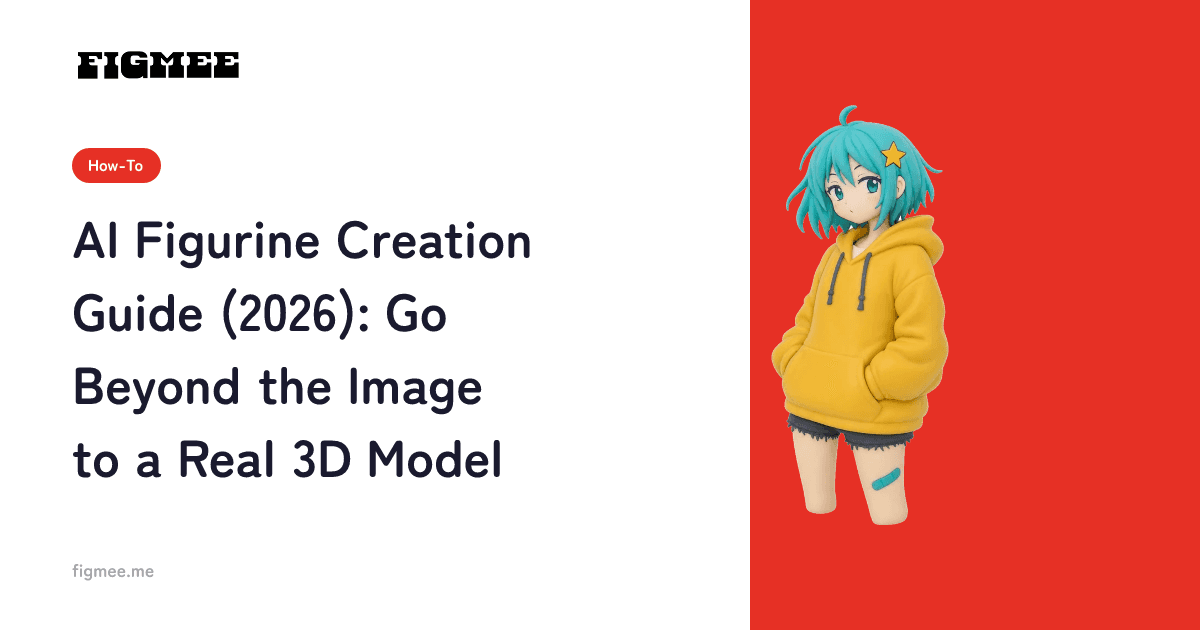
The first stage is generating a single "image" that looks like a figurine. Starting from a hand-drawn illustration or a photo, the AI adds glossy shading, a base, or packaging-style backgrounds, producing a picture that looks like a photo of a real figurine. Almost everything trending on social media stops at this stage. It is quick, and you can use it directly for posts or avatars.
What accelerated this trend is the rapid progress of AI that can freely edit images. According to Google's announcements, a lineage of image-generation AI known as "Nano Banana" arrived one after another from 2025 and was built into widely used services. You can now turn a drawing or photo into a figurine-style single picture in minutes, and it grew into a worldwide boom across 2025 and 2026. Most of it, however, stays at this "image" stage.
2. Creating a 3D "model"
The second stage turns that character into actual 3D data. A 3D model can be spun around on screen so you can check the front, sides, and back. It stays with you as a file in formats like GLB or 3MF, which you can open in 3D software or use as an entry point to physical output later. If an image is like a photo of a figurine, a 3D model is the figurine itself.
If you want a more structured overview of this topic, reading the basic guide to creating 3D models from illustrations alongside this article makes the big picture easier to grasp.
The Limits of Stopping at a Figurine-Style Image
Figurine-style images are easy, but they are only flat, single pictures. They are locked to the angle at which they were generated, and you cannot change that angle afterward. If you think "I want to see the profile a bit more" or "I want to check the back design," your only option is to generate another image, and the art shifts slightly each time.
In other words, a figurine-style image alone cannot show "the same character consistently from many angles." The data you keep is just an image file, so it is not suited to being handled as an object or used as a starting point for shaping. The table below organizes the difference between the two stages.
| Aspect | Figurine-style image | 3D model |
|---|---|---|
| What it is | A flat, single picture (PNG / JPG) | 3D data (GLB / 3MF) |
| Angle | Only the one generated angle | Viewable from any angle, 360° |
| Main use | Social posts, avatars, thumbnails | Saving data, an entry point to shaping |
| Consistency | Art drifts when regenerated | The same object, rotated to check |
| Figmee pricing | First 5 generations free as a sign-up perk (valid 3 months), then 550 yen / 5 credits | 550 yen / 1 model (GLB and 3MF download included) |
Of course, if your goal is a social media post, a figurine-style image is enough. What matters is deciding "which of these is my goal" first. If you want to save it and keep it for a long time, view it from many angles, or one day hold it as a physical object, it is worth continuing to the 3D model stage.
Does that tool "stop at an image" or "reach 3D"? — a checklist
Plenty of tools advertise "figurine creation," but they are a mix: some stop at generating an image, and some can make a downloadable 3D model. Reviewing what several of them offer as of July 2026, many go only as far as an image (or a short video) and provide no 3D model file. Before you use one, these four checks make them easier to tell apart.
- Is there a 3D file (GLB / 3MF / OBJ / STL) to download? — if so, you can keep the solid data.
- Can you spin it 360° on the spot? — a rotation view is a sign it can be handled as solid form, not a flat image.
- Does the description talk only about the "image" or "effects"? — with no mention of solid form, it is likely image-only.
- Does it mention what the solid data is for (opening in 3D software, physical output)? — that note is a good indicator it can truly output a 3D model.
For the record, if your goal is a social post or an avatar, a tool that only makes images is plenty. Think of it in order: reach for a tool that makes a 3D model only when you decide "I want to rotate and view it" or "I want to keep it as data."
Steps to Build a 3D Model (With Time Estimates)
Here are the concrete steps for going beyond a figurine-style image and building a 3D model. Figmee works entirely in the browser, so you need no 3D software skills or specialized knowledge. The whole process takes about 10 minutes.
Step 1. Prepare the illustration you want to make into a model (about 5 min)
First, pick a single image where the subject is clearly visible. An image where the character sits in the center of the frame, with an uncluttered background, works well. For hand-drawn art, shooting it head-on in a bright place, without shadows or a curled paper edge, keeps the conversion accurate. If you are unsure which image to choose, see how to choose the right drawing or photo for 3D.
Step 2. Generate a figurine-style image (about 1–2 min)
Register with Figmee and upload the image you prepared. You can use it right after signing up, and the first 5 figurine-style image generations are free. After a few dozen seconds, the AI produces an image converted to a figurine-like texture. This completes the "image" stage.
Step 3. Check the result (about 1 min)
Look at the generated image and confirm that the features you want to keep (facial expression, hair shape, costume colors, and so on) came through properly. If it differs from your vision, this is the best point to redo it. For tips on making figurine-style images, see points to keep in mind when creating figurine-style images.
Step 4. Generate a 3D model and check it in 360° (a few min)
Once you are satisfied with the result, move on to 3D modeling. In Figmee, you can generate 3D data for 550 yen per model. You can spin the finished model around in a 360° view right then and there, checking the front, sides, and back. This is the "model" stage, and the highlight of this article. For a more detailed walkthrough of creating 3D figure data with AI, our guide to creating 3D figure data with AI is a helpful reference.
Step 5. Download the GLB / 3MF (about 1 min)
Finally, download your 3D model in GLB or 3MF format. GLB is a versatile format that opens in 3D viewers and many 3D applications, while 3MF is aimed at physical output. Keeping the data at hand means you can revisit it anytime, and it widens your options for the future.
Rights and Etiquette — Enjoying It with Peace of Mind
The most important thing when enjoying AI figurine creation is checking the rights. The basic rule is to use "art you own the rights to" — an original character you drew yourself, or your own illustration based on a family photo.
On the other hand, turning official characters from anime or games, which others hold the copyright to, into a 3D model and selling or distributing it requires the rights holder's permission. Fan works, too, often have guidelines set per title, so check them in advance. (It is not that "official characters are always off-limits" — what matters is following the conditions.) We cover this in more detail in the basics of original character goods and copyright and the safety and copyright of AI figurine creation.
Note that what Figmee currently offers goes as far as the "figurine-style image" and the "3D model data." Physical 3D printing (delivering a figurine) based on that data is in preparation and not yet available. For now, the way to enjoy your model is through the 360° view and as data. If you want to understand the whole flow of making an original figurine, we also recommend the complete guide to making original figurines.
Frequently Asked Questions
Can I do AI figurine creation for free?
With Figmee, you can try the first 5 figurine-style image generations for free as a sign-up perk (valid for 3 months from registration). After that, 550 yen gives you 5 credits. Generating a rotatable 3D model is 550 yen per model, including the GLB and 3MF download.
What is the difference between a figurine-style image and a 3D model?
A figurine-style image is a flat, single picture, locked to the angle at which it was generated. A 3D model is 3D data, so you can view it from any angle in 360° and keep it as a GLB or 3MF file. If you want to view it from different angles or save it as data, building the 3D model is the way to go.
Can I turn the 3D model I made into a physical figurine?
Figmee currently offers figurine-style image generation and 3D model data (GLB / 3MF) downloads. Physical 3D print ordering based on that data is Coming Soon. For now, the main way to enjoy it is through the 360° view and as data.
Can any drawing be turned into a clean 3D model?
The clearer the subject, the easier it is to model cleanly. On the other hand, extremely thin lines or a complex back view with little information can be hard for the AI to interpret. Preparing a bright, head-on photo and keeping the features you want to preserve in mind beforehand helps keep results stable.
Do I need to install a smartphone app?
No. Figmee works entirely in the browser, so you can use it right after signing up, on a computer or a smartphone. No dedicated software installation or 3D expertise is required.
How is this different from a figurine-style image made with Nano Banana (Gemini)?
Image-generation AI like Nano Banana excels at stage 1 — making the figurine-style "image." It's well suited to finishing a single picture. Figmee goes a step further, all the way to stage 2: a rotatable 3D model (GLB / 3MF). It's not about which is better, but the difference between "enjoying an image" and "keeping solid data."
Can I make a 3D model from a figurine-style image created in another app?
Figmee is designed to handle everything from uploading an illustration or photo to generating the 3D model. Rather than bringing in an image already generated in another app, starting over from the original illustration reflects the features into 3D more reliably. We recommend preparing the one illustration that matters to you first.
Summary
AI figurine creation has two stages: making a figurine-style "image," and making a rotatable "3D model." For social posts alone, an image is enough, but if you want to view it consistently from many angles or keep it as data, going all the way to a 3D model is the way to enjoy it in 2026. Use art you own the rights to, upload your one cherished image first, and try the flow from image to 3D model.
To learn more about Figmee itself, see What is Figmee? Features and overview.