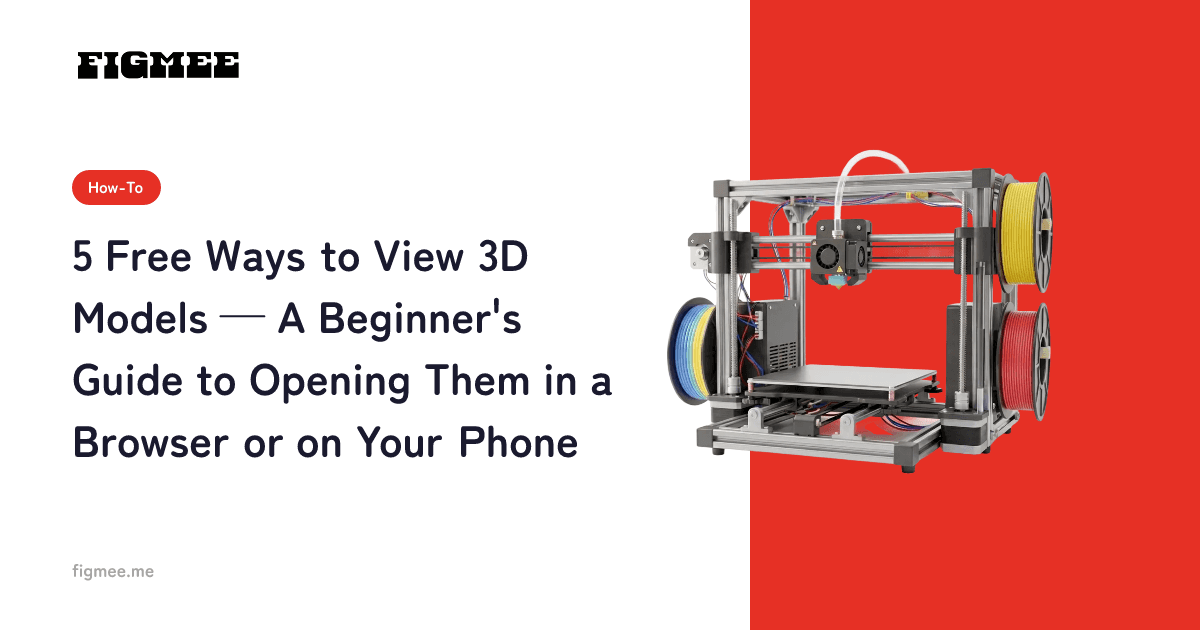
You can view 3D models for free. The fastest option is an "online 3D viewer": no installation, you just drag and drop the file into your browser. You don't need to buy expensive specialist software. Between your computer or phone browser, free software and the viewers built into 3D model sharing sites, there's a free option for every purpose. This article walks through five free ways to view 3D models, with steps and rough time estimates for each, and explains what to do when a file won't open. If you need a refresher, you can also check what a GLB file is, the format widely used for 3D on the web.
Note: Figmee currently lets you generate and download figurine-style images and 3D model data (GLB / 3MF) from drawings and illustrations you upload. Sales of physical 3D-printed items are in preparation (Coming Soon).
The short answer: these 5 free options
Free ways to view 3D models fall into the following five categories. Pick the one that fits your purpose and you can rotate and zoom in on a model without spending anything.
- An online viewer in your browser (no install, the easiest option)
- Built-in features of your OS or device (Windows / Mac / smartphone)
- Blender, the free 3D software (when you want to edit or convert, not just view)
- Viewers on 3D model sharing sites (browse public works in your browser)
- Figmee's in-app viewer (check models you generated yourself)
5 free ways to view 3D models
Method 1: An online viewer in your browser (the easiest option)
This is the easiest method, with nothing to install, so you can try it right now. Just drag and drop a .glb file into an online viewer that supports glTF/GLB and it appears on screen. The industry consortium Khronos Group publishes its official glTF Sample Viewer in the browser, and it supports drag-and-drop display of glTF, GLB and HDR files (source: Khronos glTF Sample Viewer, as of July 2026). On narrow screens it switches to full-screen display automatically. There are several other tools you can open files in by drag and drop, such as online viewers built on three.js (for example, glTF Viewer, as of July 2026).
Steps (about 1 minute)
- Open the page of a compatible viewer in your browser
- Drag and drop the
.glbfile you want to view onto the page (or open it with the file selection button) - Rotate 360° and zoom in with your mouse or by touch to inspect it
Method 2: Built-in features of your OS or device (check compatibility)
Computers and smartphones sometimes have built-in OS features that can open 3D files. However, supported formats and whether the tool comes preinstalled vary by OS and version, so we only list what we could verify.
- Windows: Microsoft offers the "3D Viewer" app, which can display GLB, glTF, OBJ, STL, 3MF and other formats. It isn't bundled with Windows 11 by default; you get it for free from the Microsoft Store (source: Microsoft Store: 3D Viewer, as of July 2026). Whether it comes preinstalled depends on your Windows version.
- Mac: macOS can display USD-family 3D files (
.usd/.usda/.usdc) in Quick Look and the Preview app (source: Apple Support, as of July 2026). For GLB and other non-USD formats, the browser viewer in Method 1 is the reliable choice.
Support changes depending on your device and OS version, so check each vendor's official support pages for the details.
Steps (about 1–3 minutes)
- Right-click the file you want to view and open it with a compatible built-in viewer or preview
- If that format isn't supported, use the browser viewer from Method 1
Method 3: Blender, the free 3D software (when you also want to edit)
Blender, a free and open-source 3D application, supports importing glTF 2.0 (.gltf / .glb) out of the box (no extra add-on needed, Blender 2.8 or later). It's a good fit when you want to do more than look: fix the shape, or export to another format.
Steps (about 2–3 minutes)
- Launch Blender
- From the menu, choose "File → Import → glTF 2.0 (.glb/.gltf)"
- Select the file to import it, then rotate and zoom in the viewport to inspect it
(Source: Blender Manual: glTF 2.0, as of July 2026)
Method 4: Viewers on 3D model sharing sites (browse public works)
3D model sharing sites like Sketchfab let you rotate and view published works in an in-browser viewer. Sketchfab's viewer uses WebGL, runs on major browsers and devices without plugins, and lets you rotate a model by clicking (source: Sketchfab 3D Viewer, as of July 2026). It's less about opening your own files and more suited to casually browsing public 3D models in your browser.
Steps (about 1 minute)
- Open the page of the model you want to see on the sharing site
- Drag the model to rotate it 360° and zoom in
Method 5: Figmee's in-app viewer (view models you generated yourself)
Figmee is a service that runs entirely in the browser: AI generates a figurine-style image from a drawing or illustration you upload, and then automatically generates a 3D model from that image (for a drawing on paper, a photo of your paper drawing or a scan works). You don't need specialist software or 3D knowledge, and before exporting you can rotate the generated 3D model 360° in the in-app viewer, right in your browser. Once you've checked it, you can download the model in GLB or 3MF format, and you can also display it in the public gallery to share it. This viewer is for checking models you generated with Figmee yourself; you can open the downloaded GLB again with Methods 1–3.
Steps (about 1 minute)
- Generate a 3D model from a drawing or illustration in Figmee
- Rotate the model 360° and zoom in with the viewer on the generation screen to check it
- If everything looks good, download it in GLB / 3MF format
Comparison table by ease of use
| Method | Ease of use | Installation | What you can do | Best for |
|---|---|---|---|---|
| Online viewer in your browser | ◎ Ready to use | Not needed | Rotate, zoom | People who want to check the contents first |
| Built-in OS / device features | ○ Depends on device | Sometimes needed | Rotate, zoom | People who want to quickly open supported formats |
| Blender | △ Takes some getting used to | Needed (free) | Rotate, zoom, edit, convert | People who want to fix or export models |
| 3D model sharing sites | ◎ Ready to use | Not needed | Rotate, zoom | People who want to browse public works |
| Figmee's in-app viewer | ◎ Ready to use | Not needed | Rotate, zoom | People who want to check models they generated |
Checklist when a 3D model won't open
If a file won't open or displays incorrectly, check the following in order. The most common cause is a mismatched file format.
- Is the file format right?: A viewer can't open formats it doesn't support. Check the file extension (
.glb/.obj/.stl, etc.). We cover the differences between formats in OBJ vs FBX vs STL vs GLB. - Is the file corrupted?: Make sure the download didn't stop partway and that the file size isn't zero.
- Does your browser support WebGL?: Online viewers render with WebGL, so the model may not appear in older browsers or environments where WebGL is disabled. Update your browser or try a different one.
- If colors or textures don't show: Shape-only formats like STL carry no color information. If you want to see colors too, check whether the format can hold color, like GLB (what is a GLB file).
Frequently asked questions
Can I view 3D models using just my phone?
Yes. Open an online 3D viewer in your phone's browser and load a .glb file, and you can rotate and zoom with your fingers. Built-in 3D display support varies by device and OS version, so if you want something that works on any model of phone, a browser viewer is the reliable choice.
Can I open files other than GLB the same way?
It depends on the format. OBJ, STL, FBX, 3MF and others can be opened in viewers that support that format, or in Blender. Online viewers support a fixed set of formats, so if a file won't open, check its format first. See OBJ vs FBX vs STL vs GLB for how the formats differ.
Does it cost anything just to view 3D models?
All the methods introduced in this article let you view 3D models for free. Online viewers in your browser, viewers on 3D model sharing sites and Blender can all be used for free.
What if I want to edit, not just view?
Import a GLB or similar file into the free Blender and you can fix the shape or export it to another format. If you want to get the basics of 3D models themselves down, also take a look at what is a 3D model.
Summary
These are the five free ways to view 3D models covered in this article. If you just want to see what's inside, an online viewer in your browser with no install is the quickest route, and if you want to go as far as editing, the free Blender is the standard choice. When a file won't open, start by checking that the file format is right.