Note: Figmee currently offers figurine-style image generation and 3D model data (GLB / 3MF) downloads. Physical 3D print ordering is Coming Soon.
Keep Your Shichi-Go-San Shrine Visit in Photos, a Drawing, and 3D
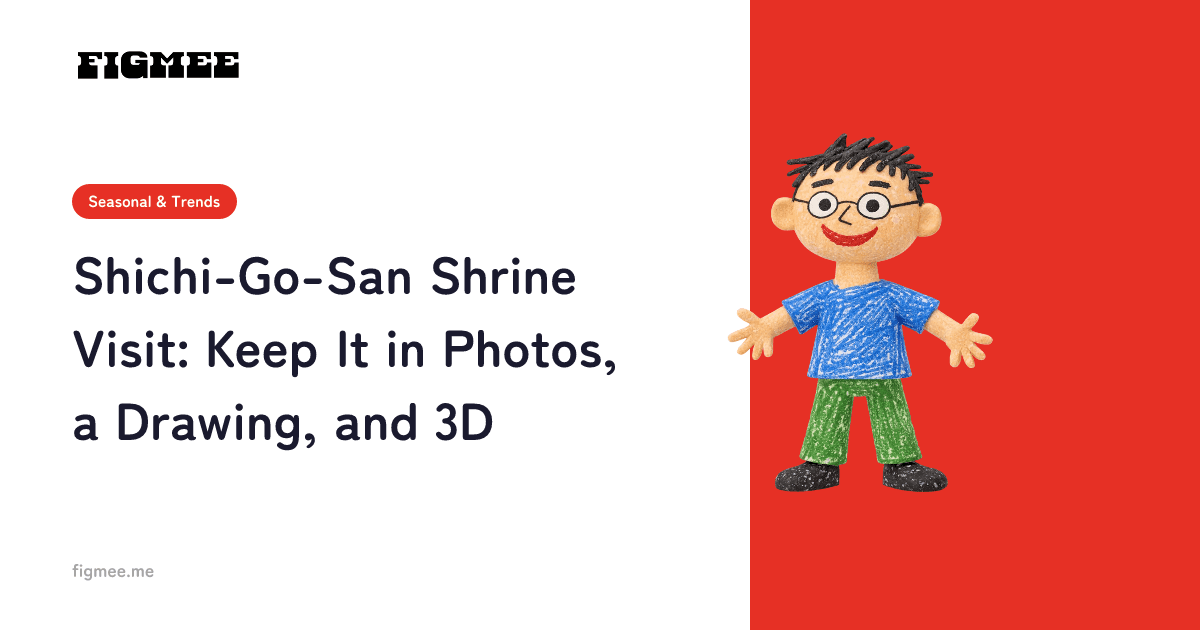
The highlight of Shichi-Go-San is the visit to a Shinto shrine: passing through the torii gate, putting hands together in front of the main hall, walking along the approach. First, keep the day in photos. Then, if you draw your child's festive outfit while looking at those photos, you can turn the drawing into a figurine-style 3D model with Figmee and spin it around on screen. Photos themselves (photos of your real child) can't be turned into 3D on Figmee, so what becomes 3D is the drawing you make from them.
Best Shots to Take at the Shrine
Each shrine has its own rules about where and when you may take photos, and photography may not be allowed during the prayer ceremony, for example. Follow the shrine's guidance and be considerate of other visitors.
In front of the torii gate
A photo with the torii gate behind your child says "Shichi-Go-San" at a glance. Include your child's whole outfit in the frame, and it becomes a handy reference when you draw later.
In front of the main hall
The whole family standing in front of the main hall is the classic Shichi-Go-San shot. Your child's composed expression is something you'll want to remember when drawing, too.
Walking along the approach
Your child walking along the approach with the chitose-ame candy bag, seen from behind or in profile, makes a lovely shot as well.
At the purification fountain
Your child's serious face while rinsing their hands at the temizuya, the purification fountain, is a shot that shows how much they've grown.
Tips for Drawing from Your Shrine Photos and Turning the Drawing into 3D
Your child is the star, so leave out the background
Keep the torii gate and main hall in your photos, and draw only your child. A child drawn alone on white paper comes across more clearly as the star once it becomes 3D. Draw the full body facing roughly forward, and draw props like the chitose-ame clearly.
Tips for outdoor photos you'll draw from
- Shoot in soft morning light — The outfit's colors are easier to see and copy
- Avoid backlight — When the face and kimono turn dark, colors and patterns are hard to make out
- Take full-body shots too — Photos that show your child down to the feet are a model for drawing the full body
How to Turn a Drawing of the Shrine Visit into a Figurine-Style 3D Model with Figmee
- Draw your child's festive outfit from the photos — Your child or anyone in the family can draw
- Photograph paper drawings from directly above, or scan them — In good light, with the whole sheet in the frame
- Upload to Figmee — PNG, JPEG, or WebP, up to 20 MB per image
- Generate a figurine-style image (3D image), then a 3D model — The image usually takes 2–3 minutes, and the 3D model a few minutes
- Save and share — Save the 3D model data (GLB / 3MF). You can also send your family a 360° video that spins twice in about six seconds (in Chrome or Edge on a computer, or Chrome on Android)
If an image is judged to be a photo, generation stops and the tokens you used are returned automatically. When your child is older, line up the photo, the drawing, and the 3D model and tell them, "This is where we visited the shrine."
Photos for the Day, a Drawing for 3D
The shrine visit is a special moment of Shichi-Go-San. Keep your child's festive look in photos, then turn a drawing made from them into a figurine-style 3D model with Figmee, and the memory takes shape along with the time you spent drawing.