Shichi-Go-San Chitose-Ame Photo Tips and a 3D Drawing Keepsake
How to photograph your child holding chitose-ame candy (poses, light, settings), then draw from the photo and turn the drawing into a figurine-style 3D model.
BLOG
Latest news and helpful articles from Figmee

How to photograph your child holding chitose-ame candy (poses, light, settings), then draw from the photo and turn the drawing into a figurine-style 3D model.

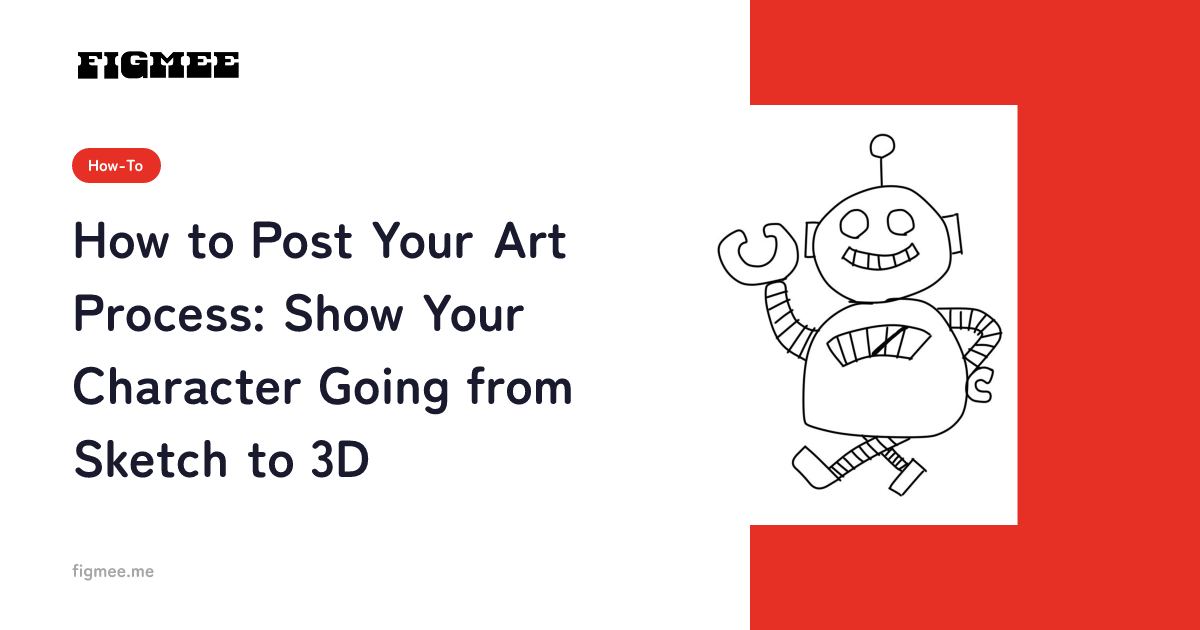
The basic way to post your art process is to capture five stages — sketch, line art, color, 3D, and turntable video — from the same framing and post them in order. A post that shows the change gives viewers more to remember your character by than a single finished piece. What to save, four post formats, how to write captions, and what to avoid.

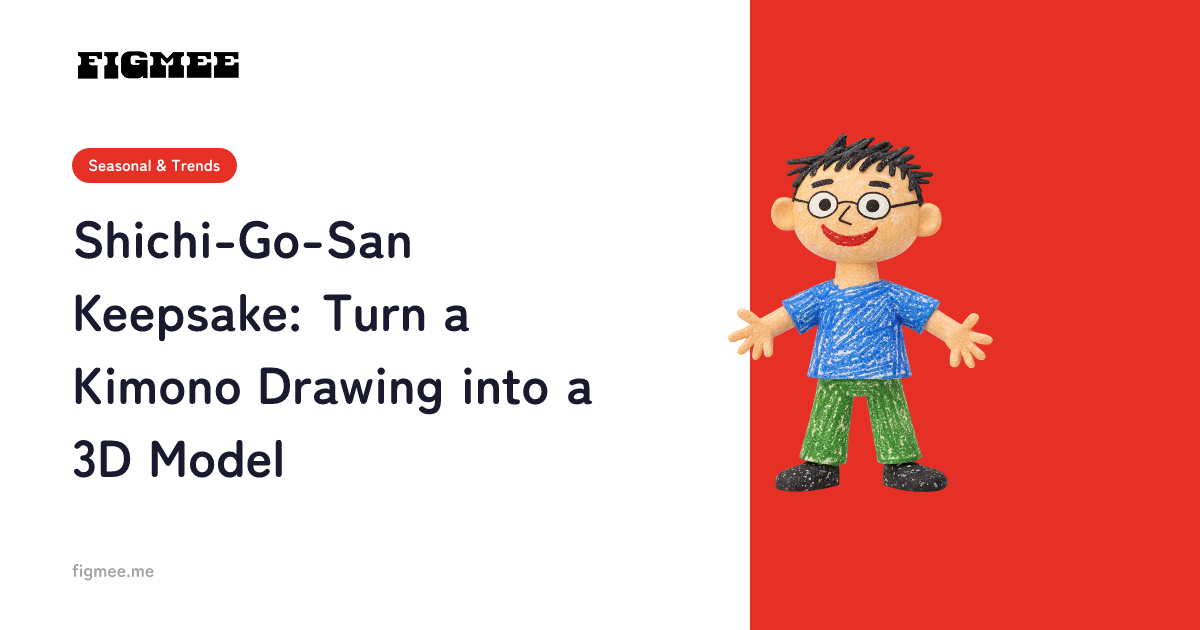
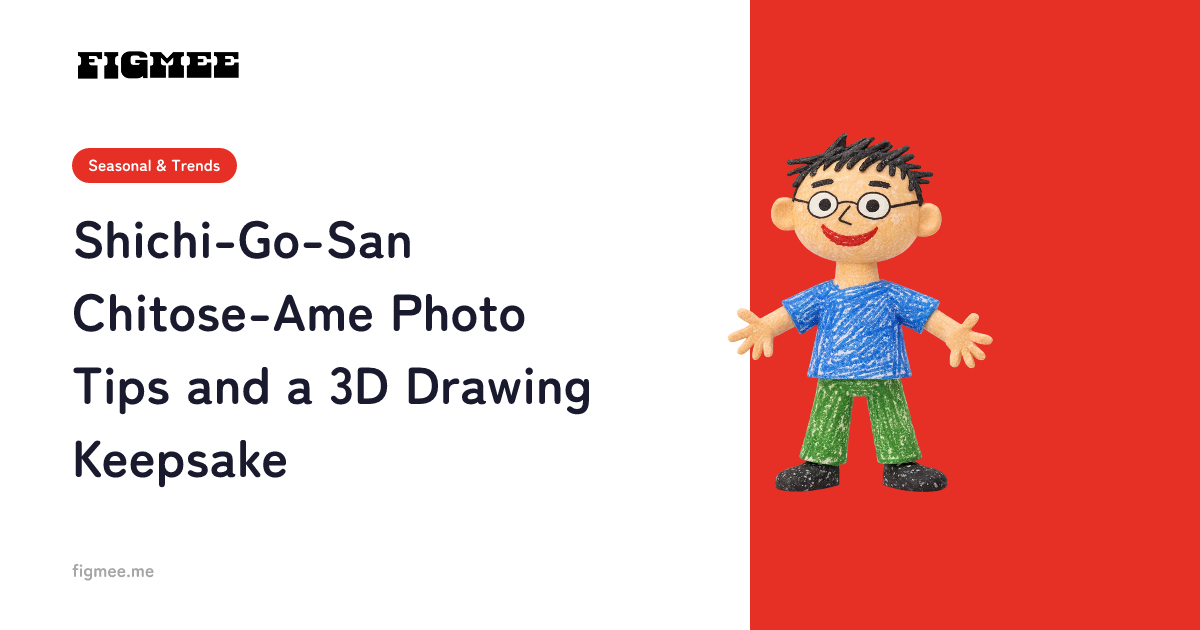
Draw your child in their Shichi-Go-San outfit and turn the drawing into a figurine-style 3D model. Figmee doesn't accept photos, so draw from them instead.

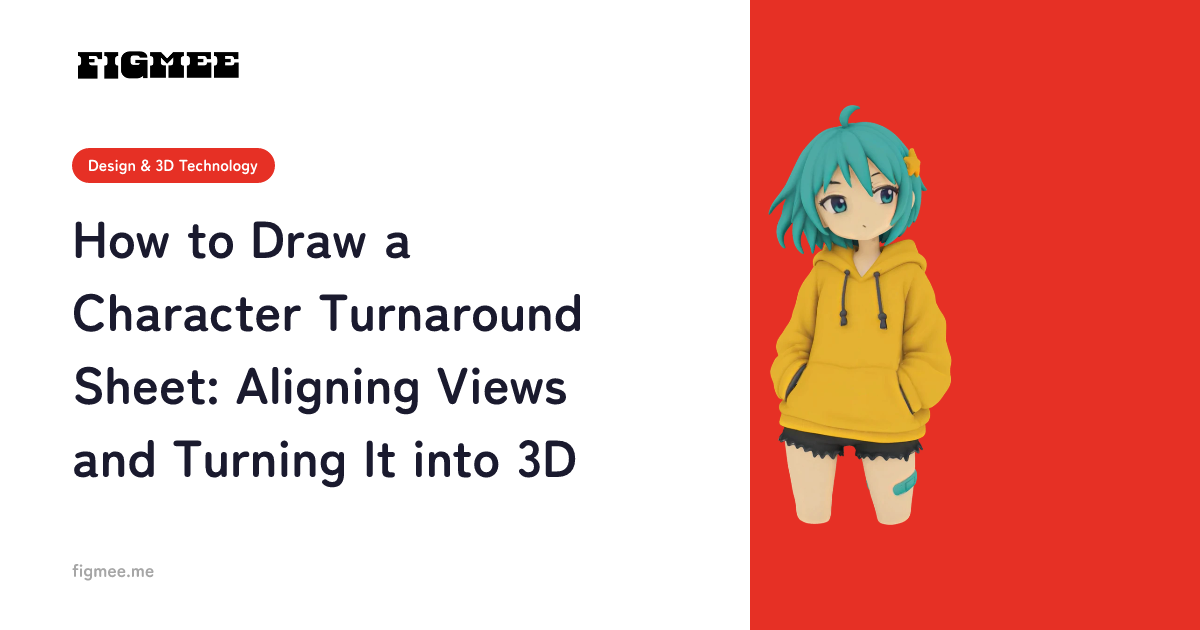
To draw a character turnaround sheet, start with the front, run guidelines to the side and back views, and skip perspective. Plus fixes and AI 3D tips.

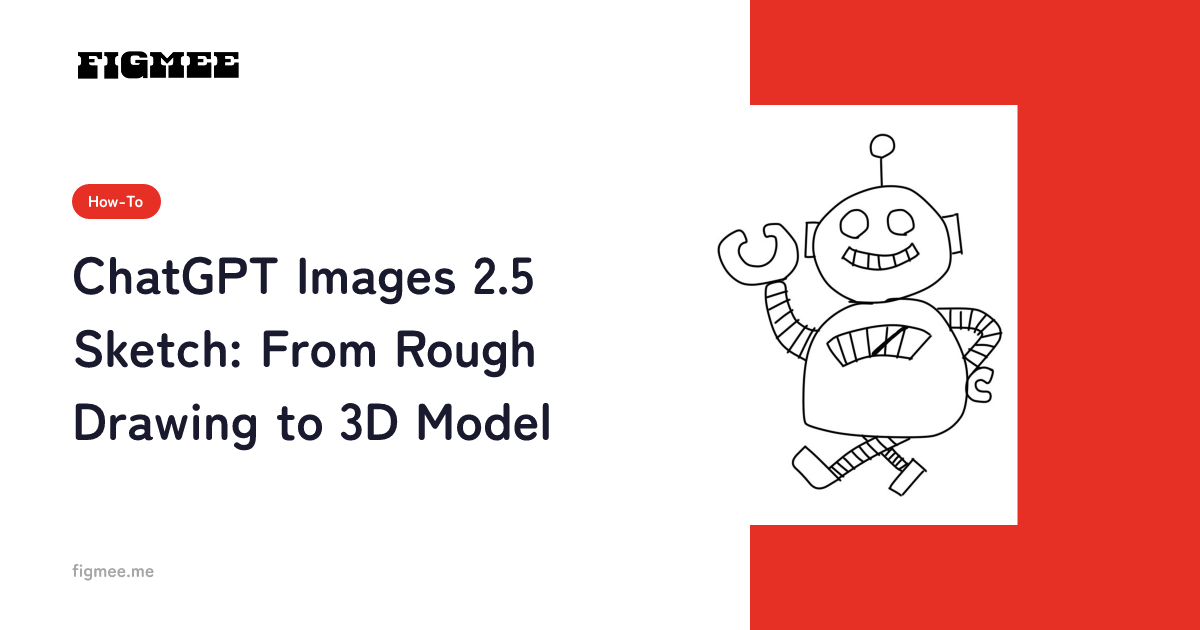
Sketch in ChatGPT Images 2.5 (Sept 8, 2026) turns a drawing made in the ChatGPT app into a finished image. How to use it and turn the art into a 3D model.

Design Festa vol.64 runs November 14–15, 2026 at Tokyo Big Sight. A prep timeline from the official deadlines, booth rules, promo campaigns, and 3D promo tips.

The easiest way to design a Halloween version of your original character: pick one motif and express it through silhouette, color, and props. Classic motifs, three practical tips, and how to turn the finished drawing into a figurine-style image and a 3D model.

All 31 official Inktober 2026 prompts, the rules for October 1–31 (hashtags, pace, AI), tips to keep going, and how to turn one drawing into a 3D model.

Tripo (Tripo AI) turns text and images into 3D models. What it does, export formats, how to use Tripo Studio, and what to check before uploading character art.

A 3D model of your character makes the best illustration reference, because you can rotate it to any angle and light it before you draw. Here is how to get one from a single drawing with no modeling skills, and how to use it.

A step-by-step guide to converting GLB to STL, built around Blender and compared with other free methods. Covers why color and textures are lost, what the export settings mean, and why 3MF is worth considering for 3D printing, based on official documentation.

Godot supports GLB out of the box, no plugin needed. Copy a .glb into your project folder, let Godot import it, and drag it from the FileSystem dock into a scene. We cover why you cannot overwrite the source file, automatic collision generation, three checks after import and troubleshooting, based on the official docs.